
SkyCrown Casino App for Australian Players
Downloading the SkyCrown app will give you total control over your gaming activities wherever you go. You will be able to decide where and when you want to play such titles like 3 Coin volcanoes or Greedy Piggy as soon as you install the SkyCrown app for Android and iOS devices. Just like the desktop website, our mobile software allows you to access all Sky Crown games that include 7,000+ pokies, tables games, specialised options and live dealer titles.
With our app, you can make payments and claim a welcome package of up to A$8,000 + 400 FS over your first four deposits. If you don’t feel like installing the SkyCrown Casino app, you can access our services through our mobile version that’s available via any of the mobile browsers.
How to Make Use of the Application
With the SkyCrown mobile app, you’ll be able to perform all the activities that’s possible using the SkyCrown desktop version. As soon as you install our progressive web app for iOS and Android, you’ll be able to use it to quickly sign up for an account. Furthermore, those who have registered previously via the desktop can also log into their accounts using the mobile app.
In addition, through the SkyCrown app, Aussies can play some of our games for free in demo mode and make deposits via FIAT and crypto to commence real money gambling on all the available games. After a profitable session, the software can be used to request a withdrawal out of your account. At all times, you’ll be able to receive 24/7 support via different channels should you require any.
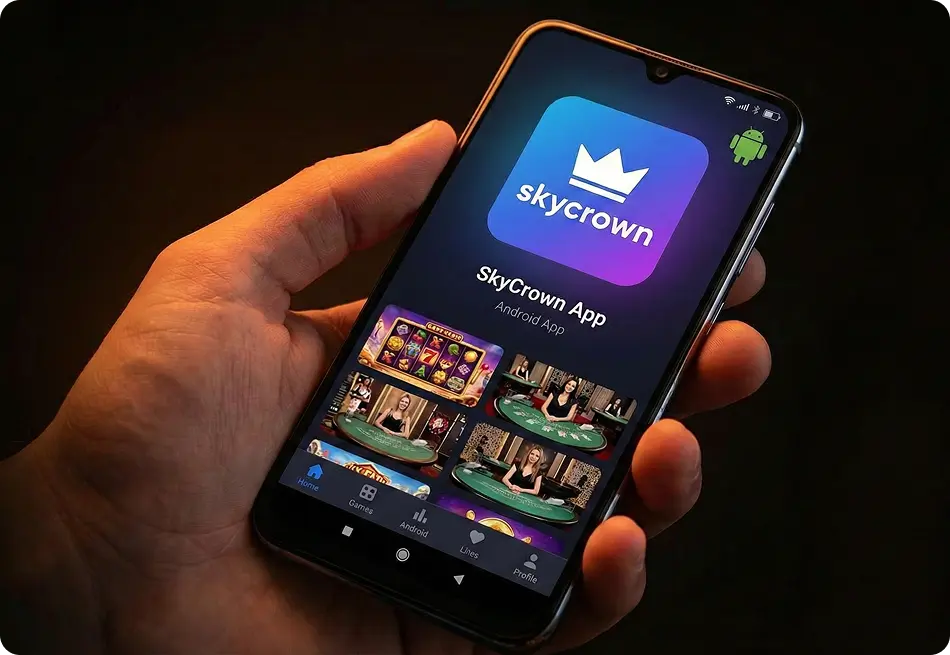
How to Download and Install SkyCrown App for Android
Currently, SkyCrown Casino app download procedure doesn’t require any APK files. Nonetheless, if you want to have a thumbnail of the SkyCrown Casino app added to your home screen, you can follow these to install our progressive web app:
- Launch Android Mobile Site – Insert our official URL using your Google Chrome browser.
- Begin Installation of the SkyCrown Casino app for Android – From the top corner, select the three dots to open the menu and press the “Add to Home Screen” option.
- Complete Installation – Give allowance for the process to start, and you’ll have a thumbnail of the SkyCrown mobile app added to your home screen.
How to Download and Install the SkyCrown App on iOS
Similarly, Aussies using iOS devices will also not find any SkyCrown Casino mobile app IPA files to download and install on their Apple devices from the App Store. You’ll only be able to use any of the browsers that’s available on your iPhones and iPads to access our mobile version. But if you also want the PWA version installed for optimal performance, here are the steps to follow:
- Launch iOS Site – Use your Safari browser on iOS to open our site.
- Commence SkyCrown Casino app download – At the bottom, click “Share” and then press “Add to Home Screen.”
- Complete Installation – Allow a few seconds for the installation to complete, and you’ll have the SkyCrown app added accordingly.
Available Device Types for Casino App
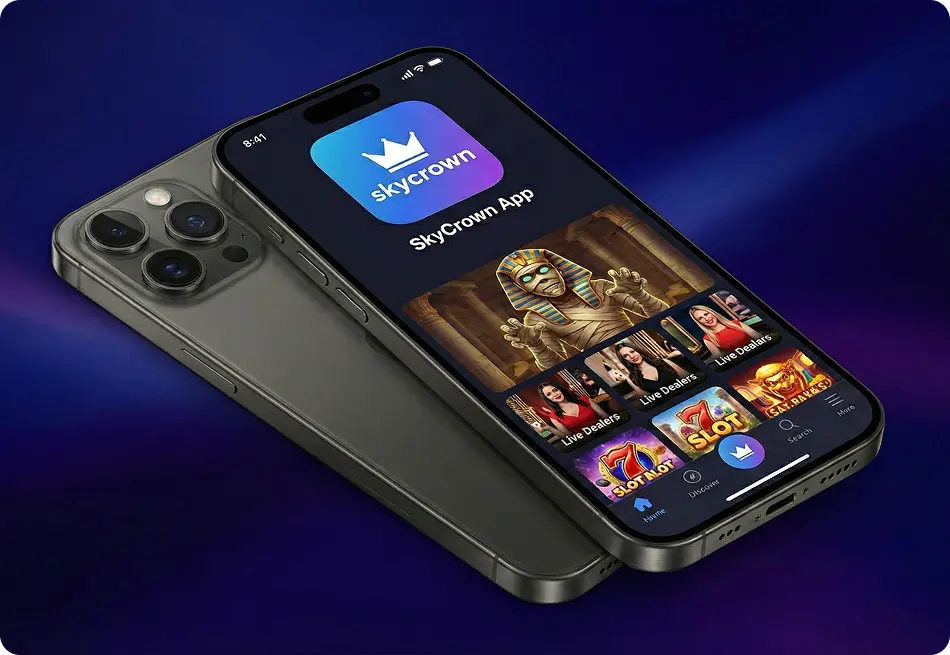
Within Australia, the SkyCrown Casino app can be used on numerous devices. We only need the device to have a display screen, and be able to connect to the internet. Depending on the option you choose, the key features that characterise each device are given below:
| Device | Characteristics |
| Desktop/Laptop | You’ll have access to a wider display function and superior performance-based computers have superior processing capability that allows you to multitask. |
| Mobile Phones | You can install the SkyCrown mobile app and conveniently play anywhere from your mobile. It features an intuitive interface, tailored content, advanced encryption, and ability to customise your notifications. |
| Tablets | They also function just like mobile phones, with the only major difference being their wider display. |
SkyCrown Casino Mobile App Interface
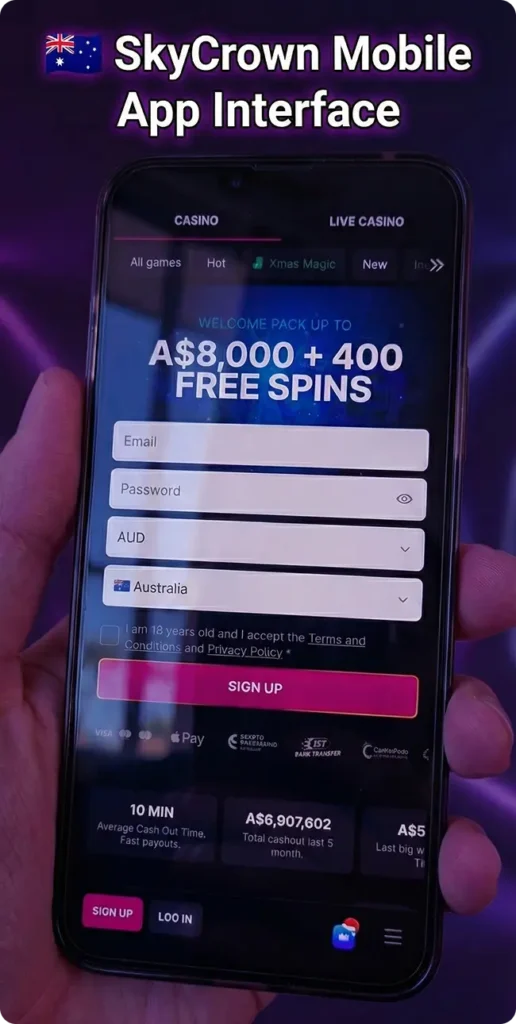
When you launch the SkyCrown app for Android or iOS, you’ll find the “Slots” and “Live Casino” sections at the top. This is then followed by the sign-up bonus banner and logos of our payment partners. At the bottom, you’ll find “Sign Up” and “Log In” tabs and the menu button. When you sign in, tabs like All Games, Hot, New, Instant, Jackpots, Bonus Buy, Collections and more. Below that is our search bar and Providers filter. Within the body of the SkyCrown app are thumbnails of games under categories like New, Hot, Sky Picks, Live Casino, Instant, Bonus Buy and All Games.
At the bottom section, you’ll find some casino links under categories like Games, Casino, Legal and Promo. You’ll then find logos of our payment partners and responsible gambling partners. At the footer of the SkyCrown Casino app are your account balance to the left, search bar, menu and notification bell to the right.
Account Registration and Deposit
With the SkyCrown mobile app, players from Australia can quickly register an account and depositing via mobile through these steps:
- Open Register – Launch the app after installation and click on “Sign Up.”
- Insert Details – Complete your registration by providing your email, country, currency, and create a password.
- Acknowledged Terms – Tick the box to agree that you’re 18 years, and agree to our T&Cs and privacy policy. Also, to receive bonus offers and promotions.
- Complete Register – Click “Sign Up” to finalise your registration.
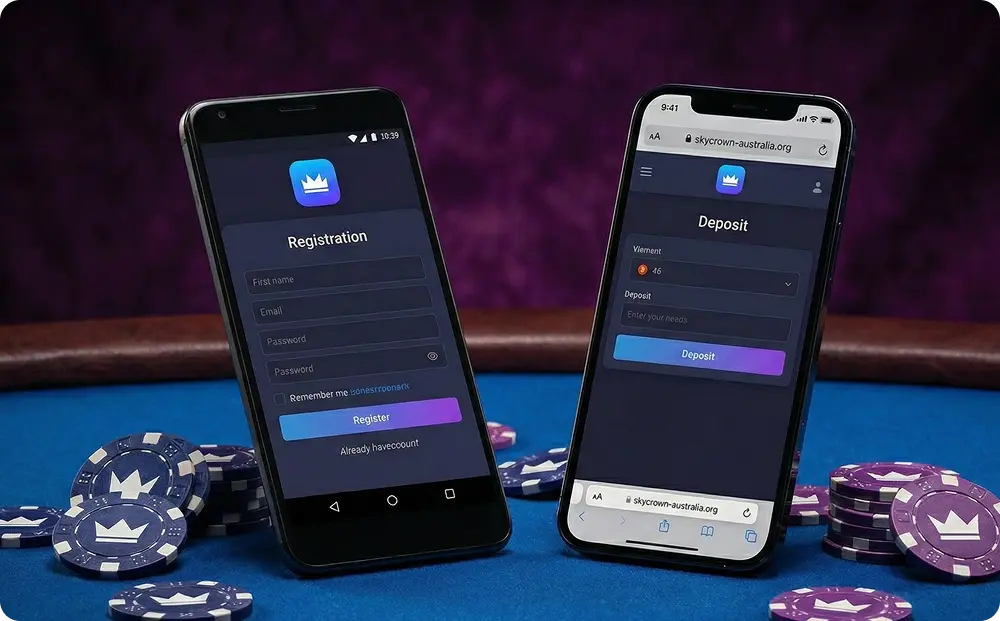
To commence real money gaming, you can deposit funds into your account via the SkyCrown Casino mobile app. From the homepage, head to the cashier section by clicking the “Deposit” tab and choose your preferred payment method from the options available. Enter the amount you want to deposit, provide all other necessary details, or copy the deposit address to complete your payment. Instantly, the funds will be added to your SkyCrown app account and available for gaming.
Benefits of Playing via our Mobile App
Numerous benefits can be experienced when playing via the SkyCrown Casino app. Our mobile software offers Australian players efficient and secure transactions through our streamlined banking options. Making deposits and withdrawals have now become faster. In addition, when you use our mobile app, you can play conveniently from anywhere and on the go. Furthermore, Aussies can witness enhanced security with the SkyCrown mobile app. You can personalise your experience through the app’s settings to get instant notifications.
SkyCrown Bonuses for Mobile Players
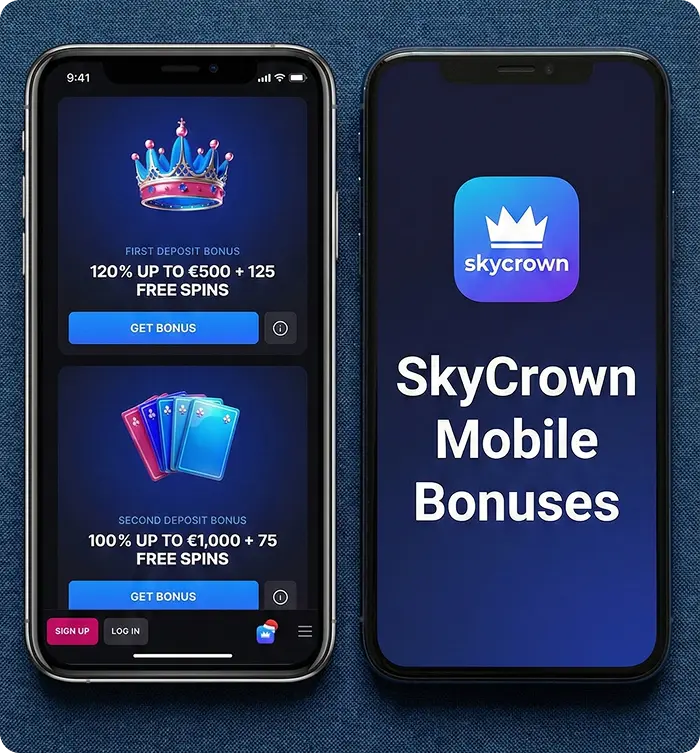
As soon as you complete your registration, you’ll be able to claim all bonus offers and participate in other promotions. Beginning with a welcome package that rewards you with a matched offer of up to A$8,000 plus 400 free spins on your first four deposits that’s also possible using the SkyCrown Casino mobile app.
All you just need to do is to make a minimum deposit and use the appropriate promo code as provided on our promotions page. Afterwards, there are daily and weekly reload incentives, cashback, tournaments, exclusive benefits and more.
For players from Australia, there’s no special bonus for playing via the SkyCrown app at the moment. Nonetheless, you won’t miss out on any of the offers that we’ve provided. All the deals that are available on our desktop site can also be claimed via the mobile software.
SkyCrown Casino App Security and Data Protection
In addition to the basic SSL encryption protocol, we provide numerous firewalls, secure payment gateways for your transactions, 2FA, regular updates for improved security, regular checks to find and correct vulnerability, anti-fraud measures and lots more. In addition, you can also activate built-in mobile security features like app lock, PIN, pattern, facial recognition, or fingerprint reader, amongst others to add a layer of security to your SkyCrown mobile app.
FAQ
Is the SkyCrown mobile experience the same as the desktop version?
Yes, the mobile version of SkyCrown Casino offers a similar experience to the desktop platform, with all games, payment methods, and features available directly on your mobile device.
Can I play for real money on the SkyCrown mobile app?
Yes, you can play for real money on the SkyCrown mobile app. The platform supports various payment methods for deposits and withdrawals, ensuring players can enjoy seamless transactions on mobile.